


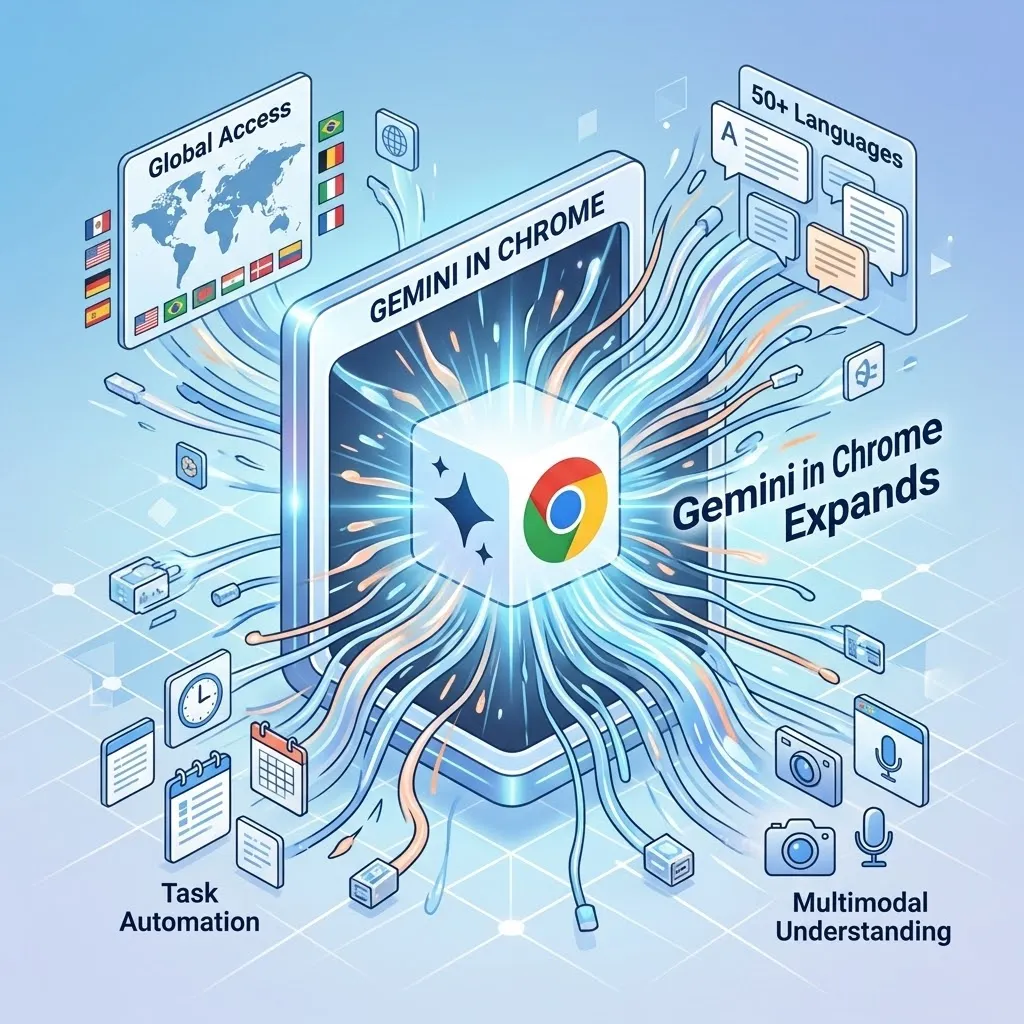
Google has expanded its AI-powered browser assistant, Gemini, to users in India. This integration brings the AI assistant straight into the Google Chrome browser, letting users engage with AI while they browse the web.
This rollout comes almost a year after Gemini was first launched in Chrome for users in the United States. Alongside India, the feature is also being introduced to users in New Zealand and Canada.
Currently, Gemini in Chrome is available for users on Mac, Windows, and Chromebook Plus devices, as well as on the Chrome iOS app.
AI Assistance Directly Inside the Browser
With this integration, users can access Gemini directly from the Chrome interface by clicking the assistant icon at the top-right corner of a browser tab. This opens a side chat panel where users can ask questions or request tasks related to the webpage they are viewing.
The AI assistant can summarize long articles, create quizzes based on web content, and retrieve pages from the browser’s history. The feature is designed to help users process information more efficiently without leaving the current webpage.
Support for Multiple Indian Languages
The update also adds support for more languages in Gemini for Chrome. According to Google, the AI assistant now supports over 50 new languages.
These include several popular Indian languages such as Hindi, Bengali, Gujarati, Kannada, Malayalam, Marathi, Telugu, and Tamil. This wider language support aims to improve accessibility for users across different linguistic regions.
Gemini in Chrome runs on Google’s Gemini 3.1 large language model, which allows for better conversational and contextual understanding.
Integration With Google Services
Gemini’s integration in the browser enables it to work with various Google services. These include Gmail, Google Maps, Google Calendar, and YouTube.
With these integrations, users can schedule meetings, check location details, or ask questions about videos directly from the Gemini chat panel. The Gmail integration also lets users compose and send emails without leaving the webpage they are currently on.
Multi-Tab Context and Image Editing Features
Another feature of Gemini in Chrome is its ability to pull information from multiple open browser tabs. This lets the assistant bring together details from different pages and provide contextual answers based on the content being viewed.
The browser assistant also includes an integrated image editing tool called Nano Banana 2. This tool allows users to modify or adjust images directly within the AI interface.
Security and User Control
Google stated that the AI assistant includes security measures to detect and handle potential threats, such as prompt injection attacks.
Before it performs sensitive actions-like sending an email or adding an event to Google Calendar-the assistant will ask users for specific approval.
Competition in the AI Browser Space
The expansion of Gemini in Chrome may strengthen Google’s position in the growing AI-driven browser market. As new competitors like OpenAI and Perplexity AI develop AI-based search and browsing tools, Chrome’s large user base gives Google a significant advantage.
With millions of users in rapidly growing markets like India, incorporating Gemini directly into the browser may speed up the adoption of AI-powered browsing experiences.